Report Templates
SurvSync is designed so that new report templates can be added to the platform at any time.
A foundation for your report templates
SurvSync itself acts as the foundation. Core areas such as Client CRM, Desktop Research, Accounting, Client Portal and Company Documents are part of the wider workflow because we believe these are essential tools that every surveying practice should have available.
Report templates sit on top of that foundation as an additional reporting layer.
RICS-Aligned Templates
The standard templates available within SurvSync are bespoke RICS-aligned templates.
These templates follow the structure and principles surveyors expect from RICS Home Survey reporting, while remaining highly customisable.
Surveyors can change elements such as:
- colours
- wording
- paragraphs
- branding
- front cover design
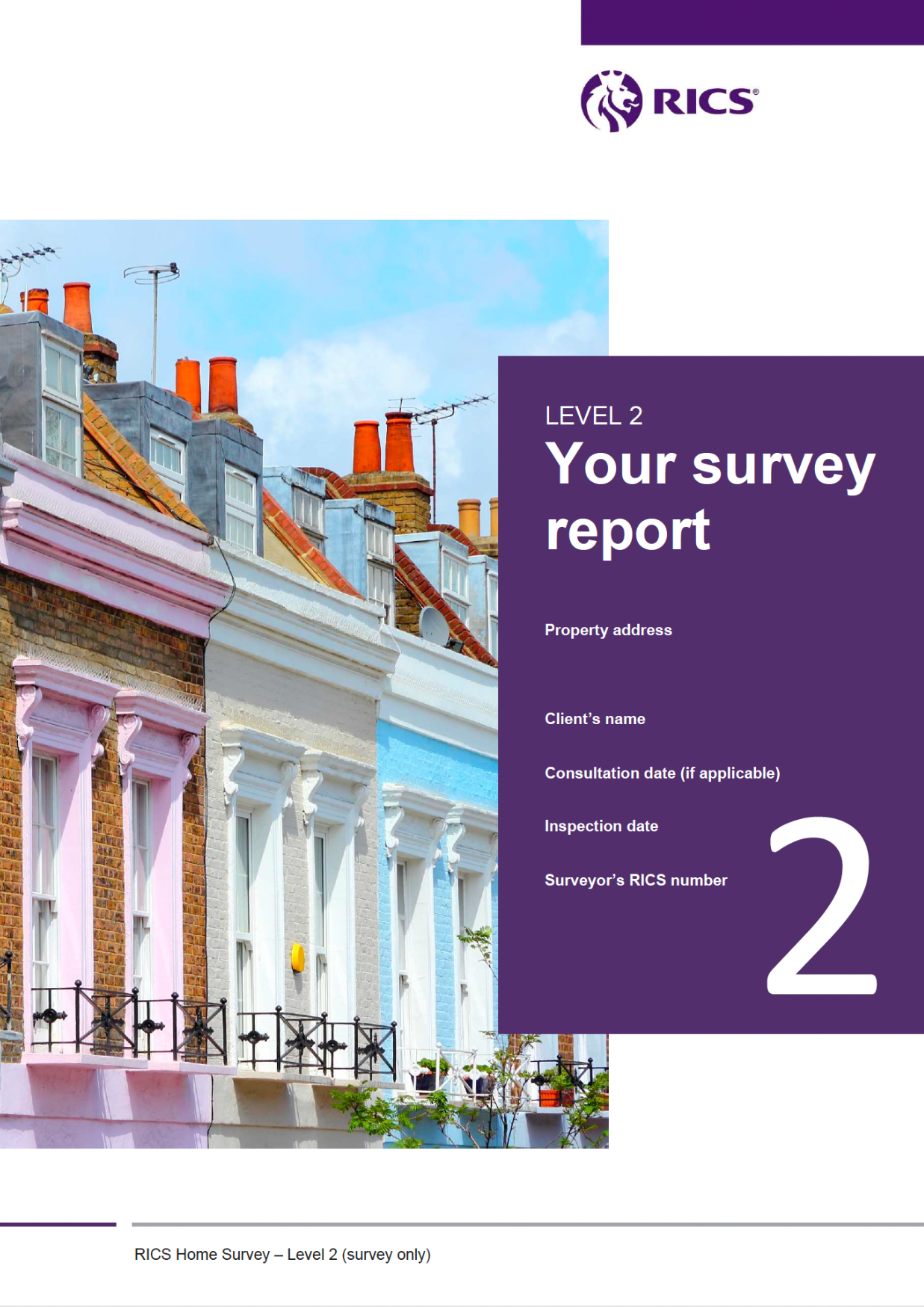
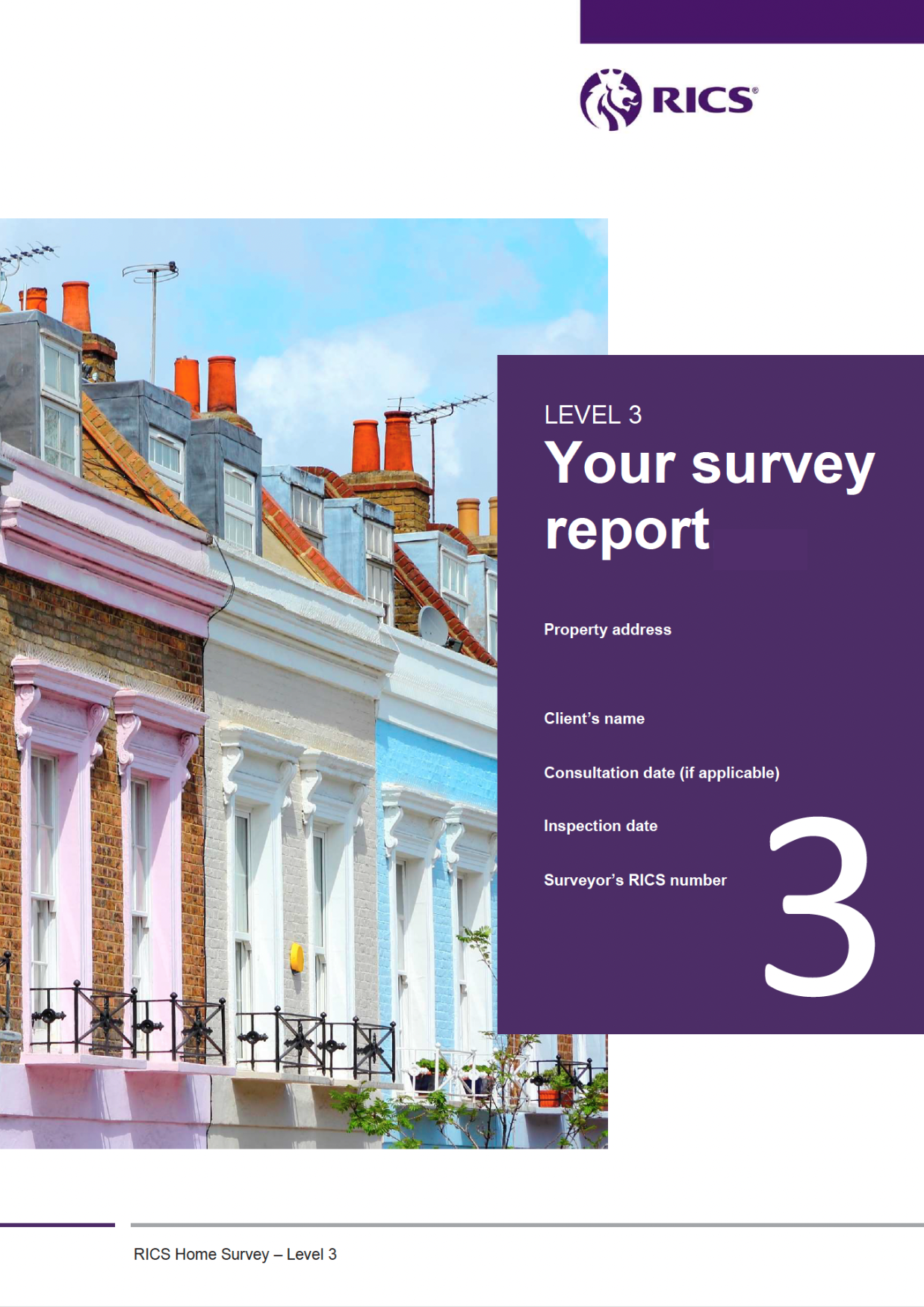
SurvSync also provides a range of front cover images for Level 1, Level 2 and Level 3 reports, allowing practices to choose a style that suits their business.
Users can upload their own company logo and, where appropriate, their RICS logo.
If the supplied templates are not suitable for your practice, we are also happy to discuss applying your own report template to SurvSync.
Static and Dynamic Sections
Template sections can be either static or dynamic.
Static Sections
Static sections contain text that is configured within the Template Master and appears in the final report.
This content does not need to be edited each time the surveyor writes a report.
Examples may include sections such as:
- What is a Building Survey Level 3?
- What to do next
The surveyor does not need to work through these sections inside the Report Builder because the text is already controlled by the template.
Dynamic Sections
Dynamic sections are the parts of the report that the surveyor completes inside the Report Builder.
These sections contain the property-specific observations and report content.
Each dynamic section can also have its own Responses and Inline Options to help speed up repetitive report writing.
Responses
Responses are reusable paragraphs or sentences that can be inserted into Report Builder sections depending on the situation observed during the inspection.
For example, weather conditions may only need a small number of standard descriptions. These can be created once as Responses and then selected during report writing.
This is a simple but useful feature that can reduce repetitive typing and help keep wording consistent.
Responses can still be edited after they are inserted, so the surveyor remains free to adjust the wording where required.
Inline Options
Inline Options work in a similar way to Responses but operate within a sentence.
For example:
During the inspection the property was vacant / occupied.
The words vacant and occupied can be configured as selectable Inline Options.
The surveyor simply chooses the appropriate option while completing the report section.
Licensed RICS Standard Templates
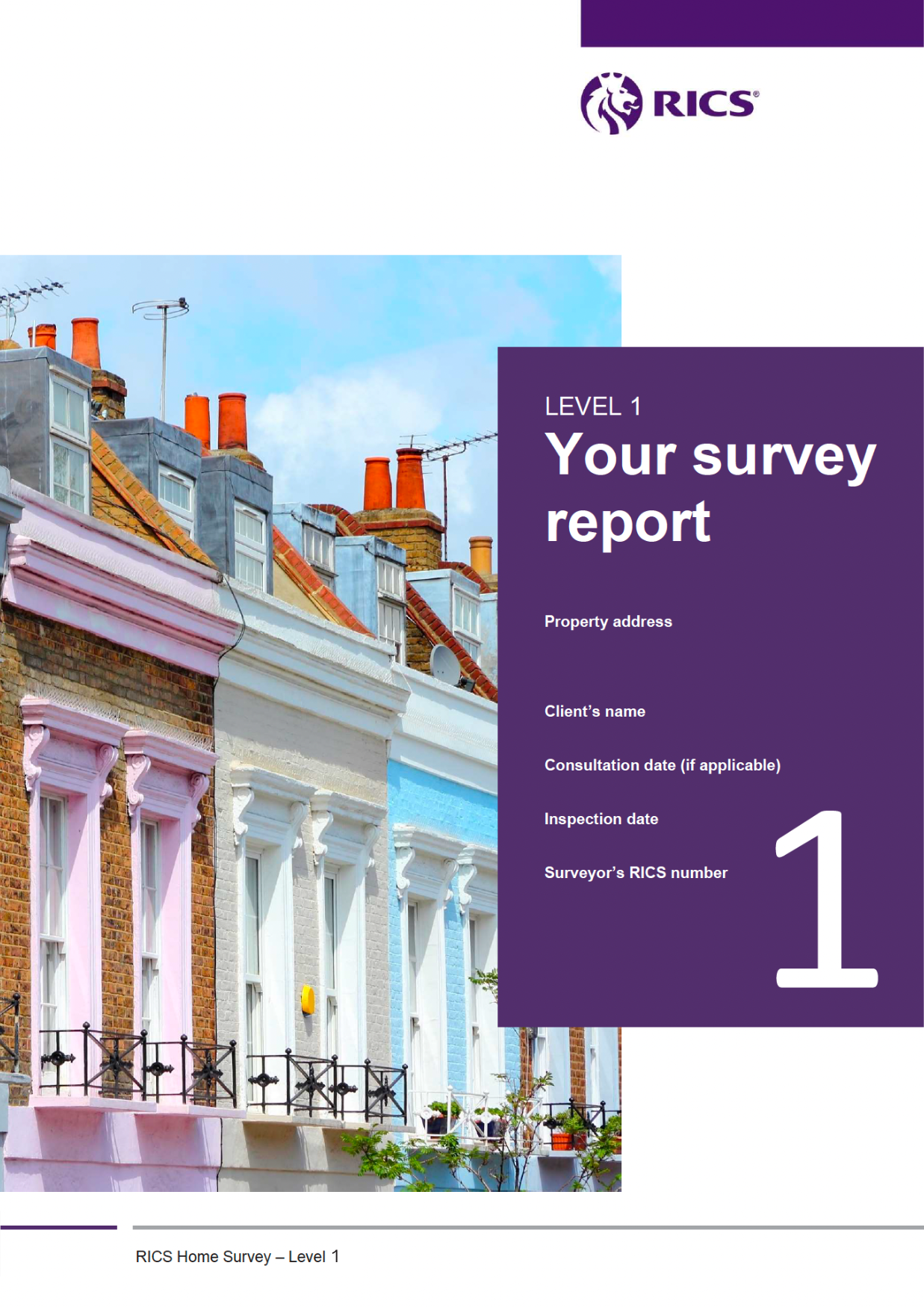
SurvSync is authorised by RICS to provide licensed RICS Home Survey templates through the platform. Surveyors who wish to use the official RICS Home Survey Reports must hold the appropriate RICS Home Surveys Licence.
RICS currently requires a licence to produce its Level 1, Level 2 and Level 3 Home Survey Reports.
The main difference between the SurvSync bespoke templates and the licensed RICS standard templates is the level of customisation available.
With the licensed RICS templates, the protected static content and core presentation cannot be freely changed in the same way as the bespoke templates.
The dynamic report sections, however, remain editable within the SurvSync Report Builder, allowing surveyors to complete the property-specific content in the same familiar workflow.
Valuation Template
SurvSync also includes a flexible, non-rigid Valuation Template.
Rather than forcing surveyors into a fixed report structure, the Valuation Template works as a self-builder, allowing users to create their own valuation report layouts from a range of configurable section types.
There is no limit to the number of valuation templates a user can create, so different report structures can be built for different types of valuation work, clients or practice requirements.
Each valuation template can contain as many sections as required.
Available section types include:
Static Section
Fixed text that is configured in the Template Master and is not edited within the Report Builder.
Dynamic Section
Report text completed within the Report Builder.
Dynamic sections can also include Responses and Inline Options.
Photo Grid
A dedicated section for report photographs.
Accommodation Table
The surveyor can define the number of floors and the rooms that should be included.
This information remains editable within the Report Builder.
Services
A configurable list of services that may need to be included in the report.
EPC Loader
The Template Master provides a choice of four EPC display formats.
Comparables Table
Surveyors can add as many comparables as required and decide which comparable fields should be displayed within the report.
Disclosure
Disclosure sections can be added where required.
Surveyor Declaration
The declaration is fully configurable, allowing the practice to decide which surveyor details should appear in the final report.
A Flexible Valuation Report Builder
The Valuation Template is currently the most flexible report template within SurvSync because it can accommodate significant variations in report structure.
It is currently labelled Beta because we are continuing to expand its capabilities.
We actively welcome feedback from surveyors and are happy to consider changes and additional functionality as the template develops.
The Valuation Template also uses SurvSync's private PDF generation service.
Practices can apply their own colours and styling, allowing the final valuation report to reflect their own branding while maintaining a professional, consistent layout.

Flexible Survey Template - Coming Soon
Following the development of our flexible Valuation Template, we are now preparing a Flexible Survey Template with the same self-building capabilities.
Like the Valuation Template, it will allow surveyors to create their own report structure using as many sections, and as many different section types, as their workflow requires.
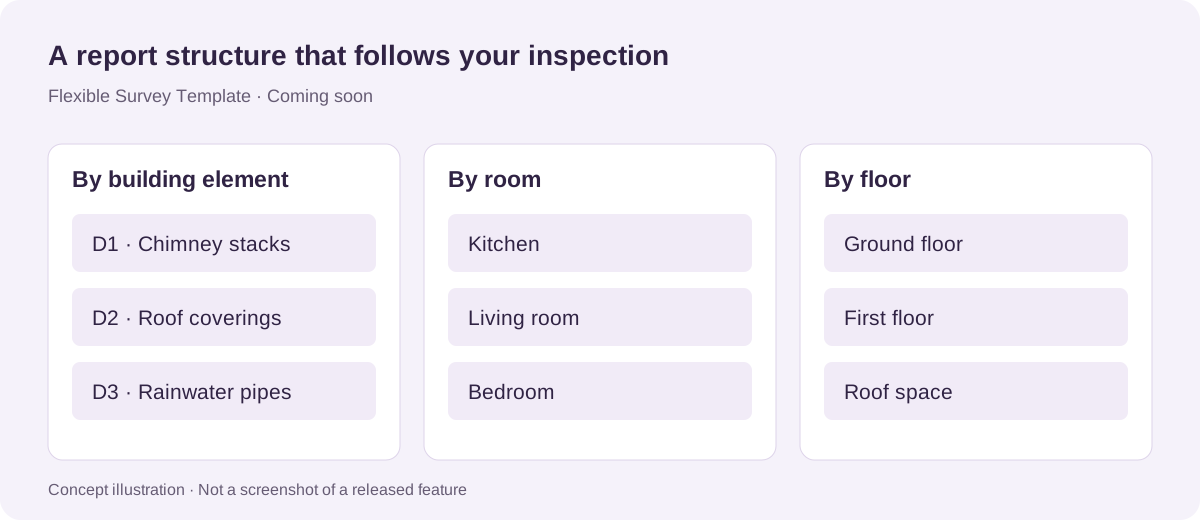
The template is being designed to support different inspection routines rather than forcing every surveyor into the same fixed structure.
For example, a surveyor may choose to use familiar sections such as D1, D2 and other RICS-aligned headings, or create an entirely different structure. A report could instead be organised around individual rooms, floors, building elements or another inspection method preferred by the practice.
The order and flow of the report will be determined by the user.
Our aim is to make the Flexible Survey Template adaptable enough to support a wide range of surveying and inspection workflows within SurvSync.
Related SurvSync features
See SurvSync in action
Book a demonstration of the platform.